Start by checking the backup and making a separate copy, and only then delete and organise. That way you build a routine you can keep up without turning your photo library into an endless project.
Correct Hebrew and a familiar name are not enough to trust a message. The important check goes through an independent channel, and the response depends on what you actually did.
A page about a possible right is the start of the check. Here is how to read the conditions, identify who handles the request and turn general information into your next step.
You do not need to remember the exact subject line to find an old message. Start with one detail you are sure of, add a suitable condition and keep the result somewhere easy to return to.
A short poem, a familiar author or a trail of memoirs and letters can open your visit to the digital library. Here is how to reach a text, read it comfortably and keep a way back to it.
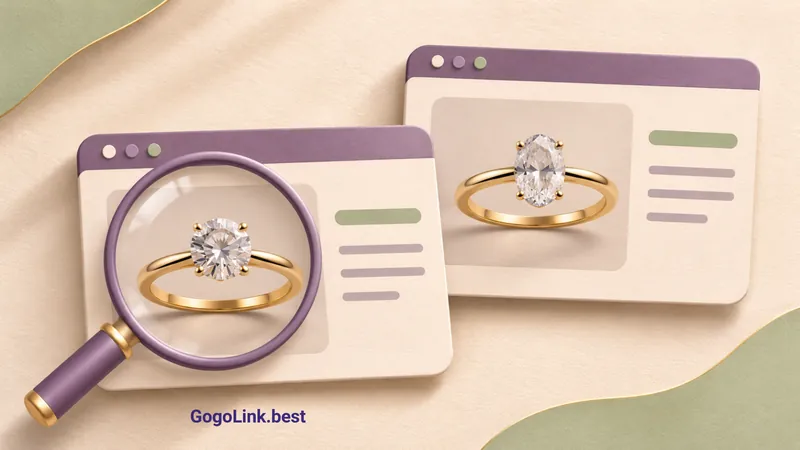
To compare engagement rings online, look behind the price: stone type, centre-diamond weight, ring construction and purchase terms. A few focused checks help narrow your options and leave fewer questions unanswered.
Old newspapers, posters and maps can turn a family question or familiar place into a journey of discovery. Here is how to begin without getting lost in the catalogue.
·4 min read→
No matching article found
Try another word or clear your search.
Want to go straight to a website?
The directory has 25 useful Hebrew websites and more recommendations waiting for you.
Visit measurement starts only after you accept cookies, while your choice and accessibility settings are saved in your browser; you can change your choice through Cookie settings at the bottom of the site. Privacy and cookies policy